Ticket machine
The ticket machine is the kiosk where customers take their turn. It is the entry point of the system: the customer arrives, picks what they need and gets their number.
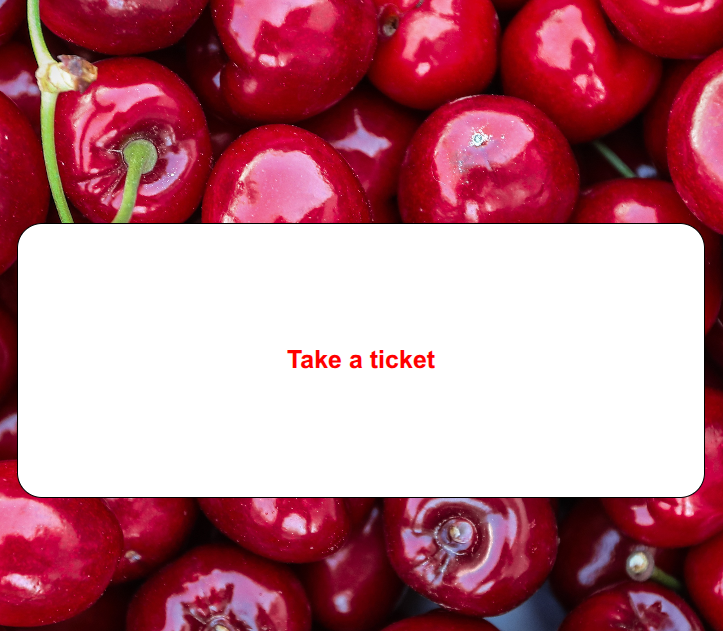
📷 Diagram — A customer choosing a service and taking their ticket
Kiosk flows
Section titled “Kiosk flows”Flows are the menus the customer sees on the machine. They define how the turn type is chosen before taking the ticket.
You can build multi-level menus to match your business needs. For example:
- Level 1: Administration, Checkout, Customer service.
- Level 2: inside Checkout, Services or Returns.
Every menu option ends up issuing a ticket of a specific queue type.
📷 Diagram — Kiosk flow with a multi-level menu down to the ticket
Customization
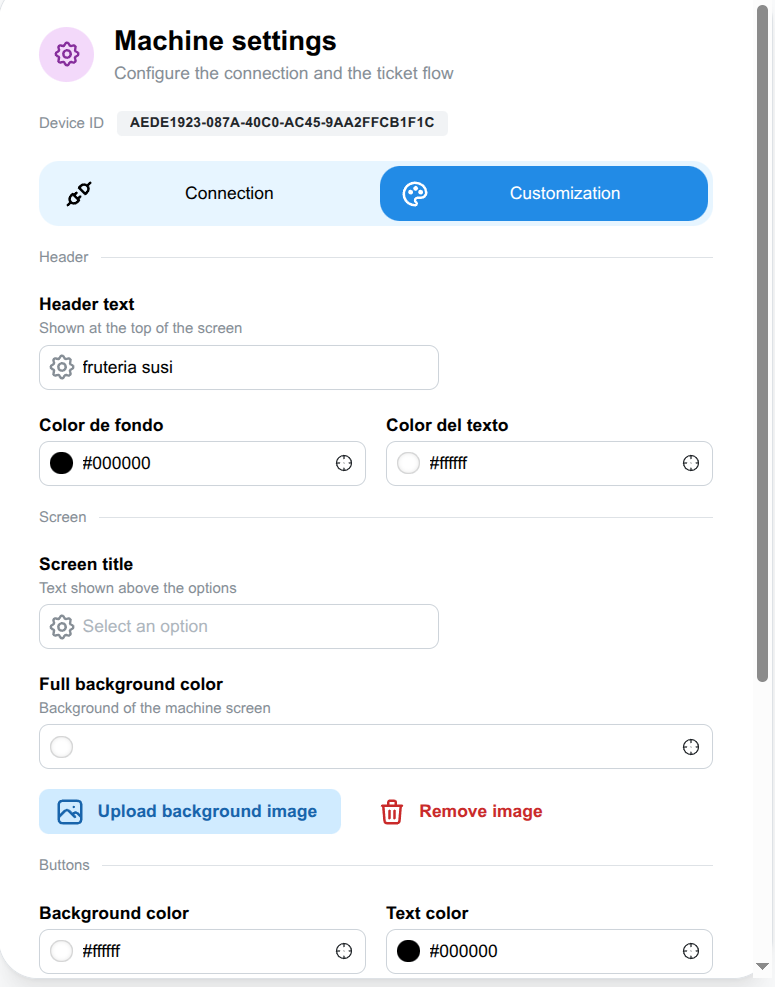
Section titled “Customization”The ticket machine is customizable to match your business branding. You can configure:
- Header and footer: custom text for the header and the footer of the screen.
- Background: a solid color or your own background image.
- Colors: the background and text colors of the screen.
- Buttons: how many buttons fit per row, and the border, background and text colors of each button.
This way the whole kiosk screen reflects your business branding.
Connection with stations
Section titled “Connection with stations”The issued ticket joins the queue of its turn type and waits until a station that handles that type calls it.
In the waiting modes that use tickets, this machine is essential. In manual or free stations modes it is not used.
Next steps
Section titled “Next steps”- Meet the station that calls the issued tickets.
- See on the monitor how freshly taken tickets appear.
- Discover the waiting modes that use tickets.
- Configure flows from the dashboard options.