Station
A station is a counter or checkout that serves turns. It is the point from which staff call the customers who are waiting, and also the destination those customers head to once they are called.
📷 Diagram — A station calling the next waiting customer
Turn types
Section titled “Turn types”You can assign one or several turn types to each station. That assignment defines which tickets the station can call.
For example, a station in a hospital could handle both Emergency and Pediatrics, while another one only handles Information.
Shared queues
Section titled “Shared queues”Several stations can share the same queue: if two stations handle the same turn type, both keep calling tickets from that queue and the work is split between them.
📷 Diagram — Two stations sharing the same ticket queue
The station in each waiting mode
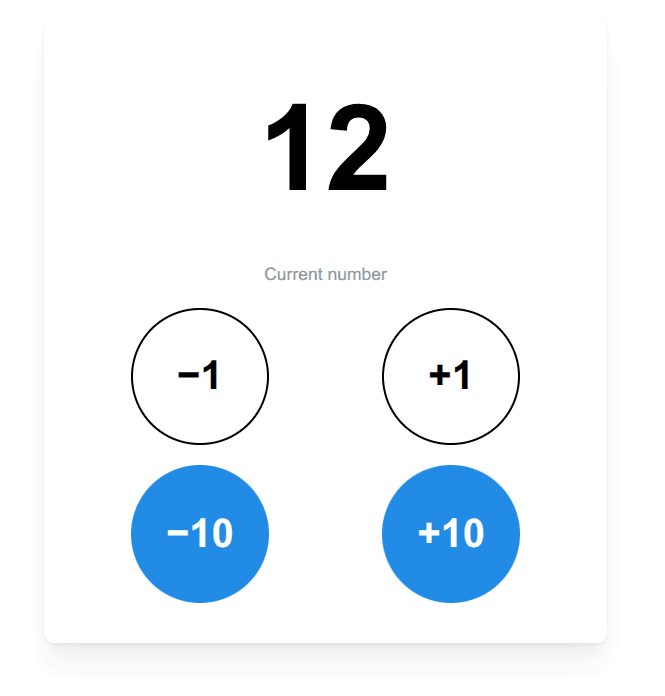
Section titled “The station in each waiting mode”- In manual mode, the station goes up or down and calls the number it chooses.
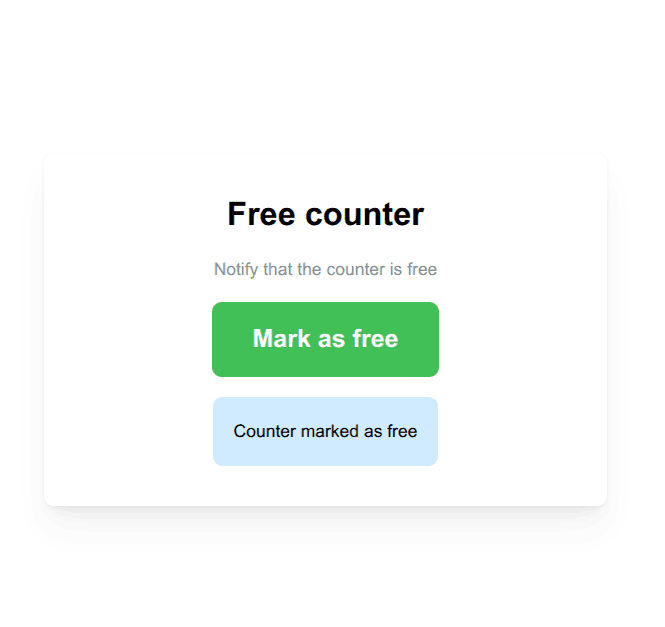
- In free stations mode, the station shows as free or busy on the monitor.
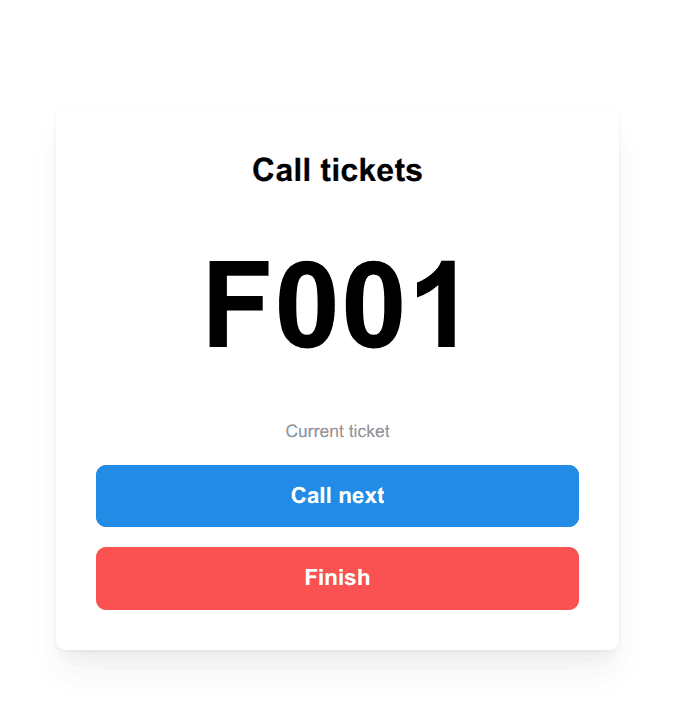
- In advanced tickets mode, the station calls tickets of the types assigned to it.
Next steps
Section titled “Next steps”- Pick a waiting mode to know how the station will behave.
- Connect the station with the turns from the ticket machine.
- Show station status on the monitor.
- Configure stations from the dashboard options.