Counter
The counter device is the application installed on staff computers. From it, staff call turns, move the number up or down and serve the waiting queue.
While the counter page describes the concept and how to create one in the dashboard, this page is about the app staff use day to day.
The counter in each flow mode
Section titled “The counter in each flow mode”The same application adapts to the flow mode configured for its location.
Manual mode
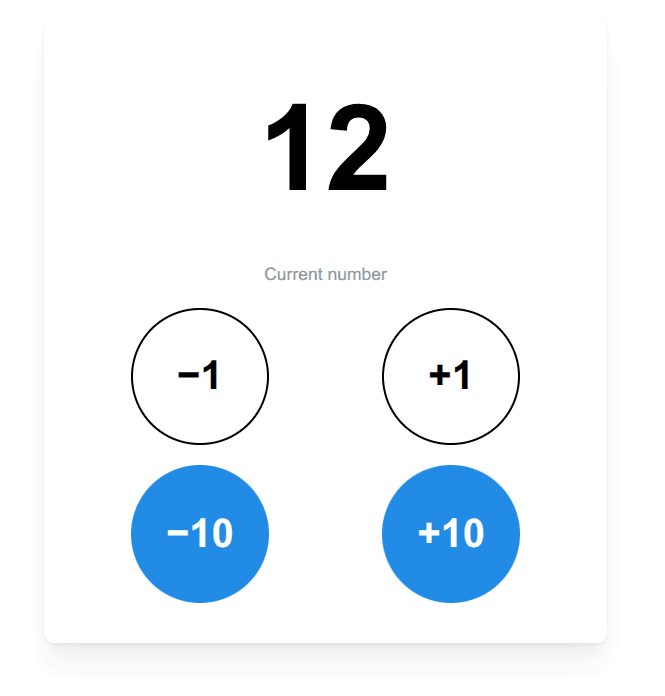
Section titled “Manual mode”In manual mode the operator controls the numbering directly: they can go up, go down or call any number at any time, regardless of whether the ticket exists.
Free counters mode
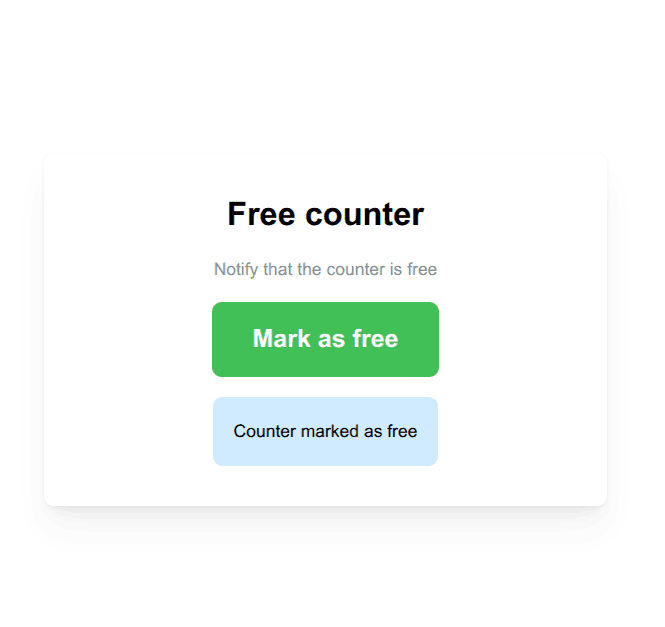
Section titled “Free counters mode”Here there are no numbers or tickets: the operator simply marks their counter as free or busy and the monitor shows it in real time so customers know where to go.
Advanced tickets mode
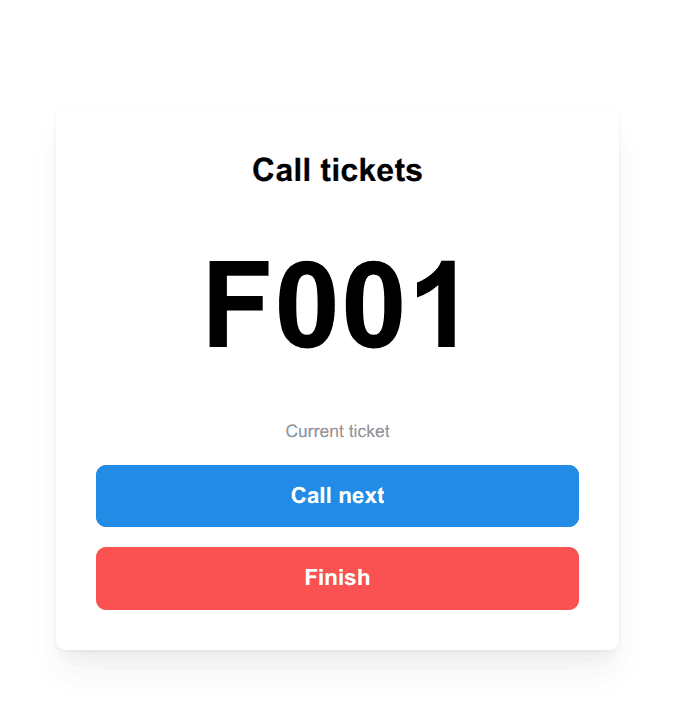
Section titled “Advanced tickets mode”In advanced tickets mode the counter calls the next turn of the queues assigned to it. The called number appears on the monitor along with the counter customers should head to.
Connection with the server
Section titled “Connection with the server”The application needs to point to the server to stay in sync: every call reaches the monitor almost instantly and the waiting queue updates in real time.
Download
Section titled “Download”You can download it from the downloads page.